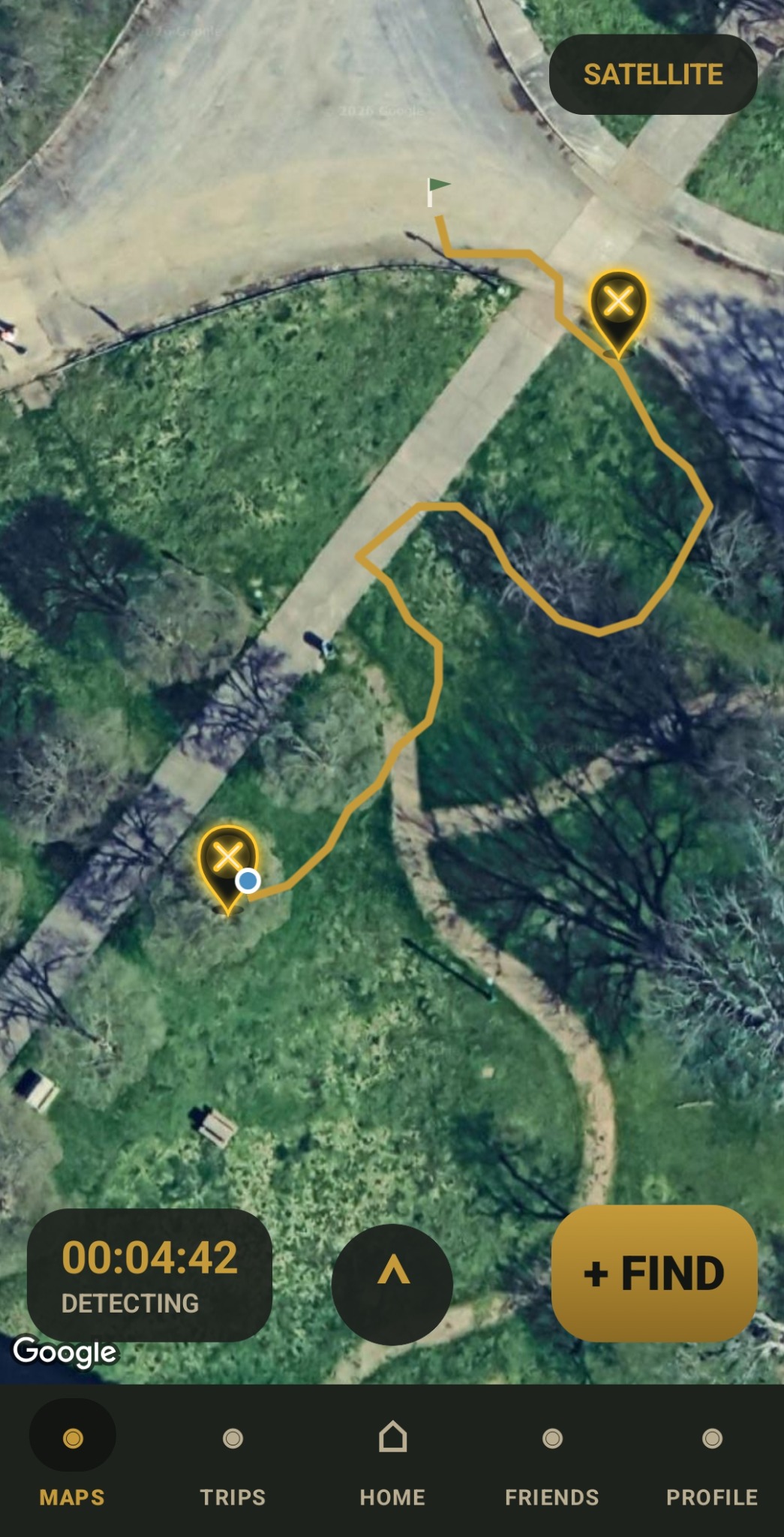
Live Trip Map — Satellite View
Track an active detecting trip in satellite mode. RelicPath displays the walked route, find markers, trip timer, map mode, and quick access to the Add Find button.
A metal detecting companion app for tracking detecting trips, logging finds, saving GPS routes, reviewing hunt history, exporting records, and managing optional cloud backup features.
RelicPath helps metal detecting hobbyists track detecting trips, save GPS routes, log finds, attach photo references, review past hunts, view maps, export records, and manage profile and cloud backup features.
The app is designed for responsible hobby use. Users are responsible for obtaining permission to detect, following local laws, protecting private property information, and safely handling recovered items.
Preview RelicPath features for live detecting, route tracking, find logging, saved trip history, and map review tools.
Track an active detecting trip in satellite mode. RelicPath displays the walked route, find markers, trip timer, map mode, and quick access to the Add Find button.
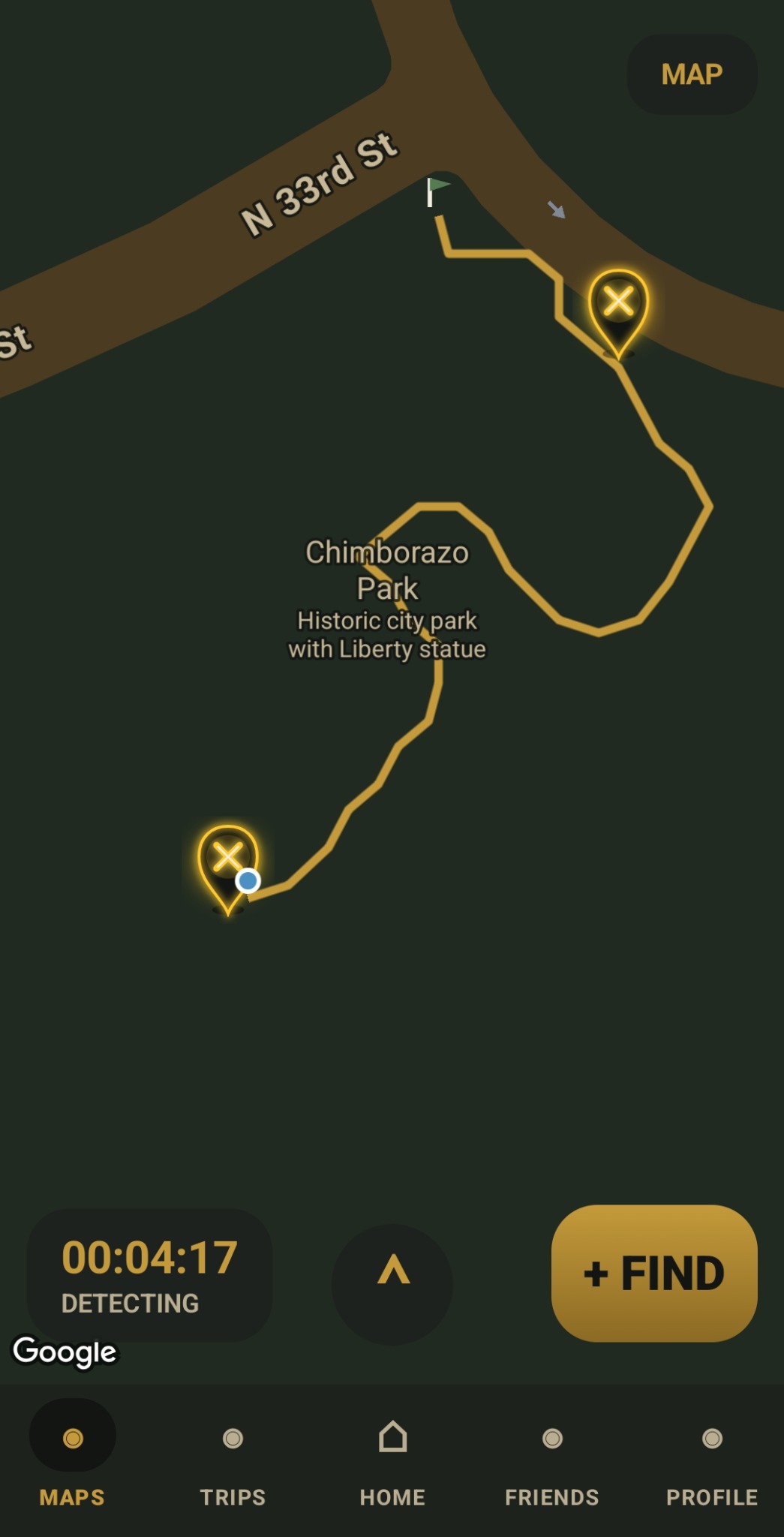
Switch between map and satellite views during a hunt. The standard map view helps users follow streets, park paths, route progress, and detected find locations.
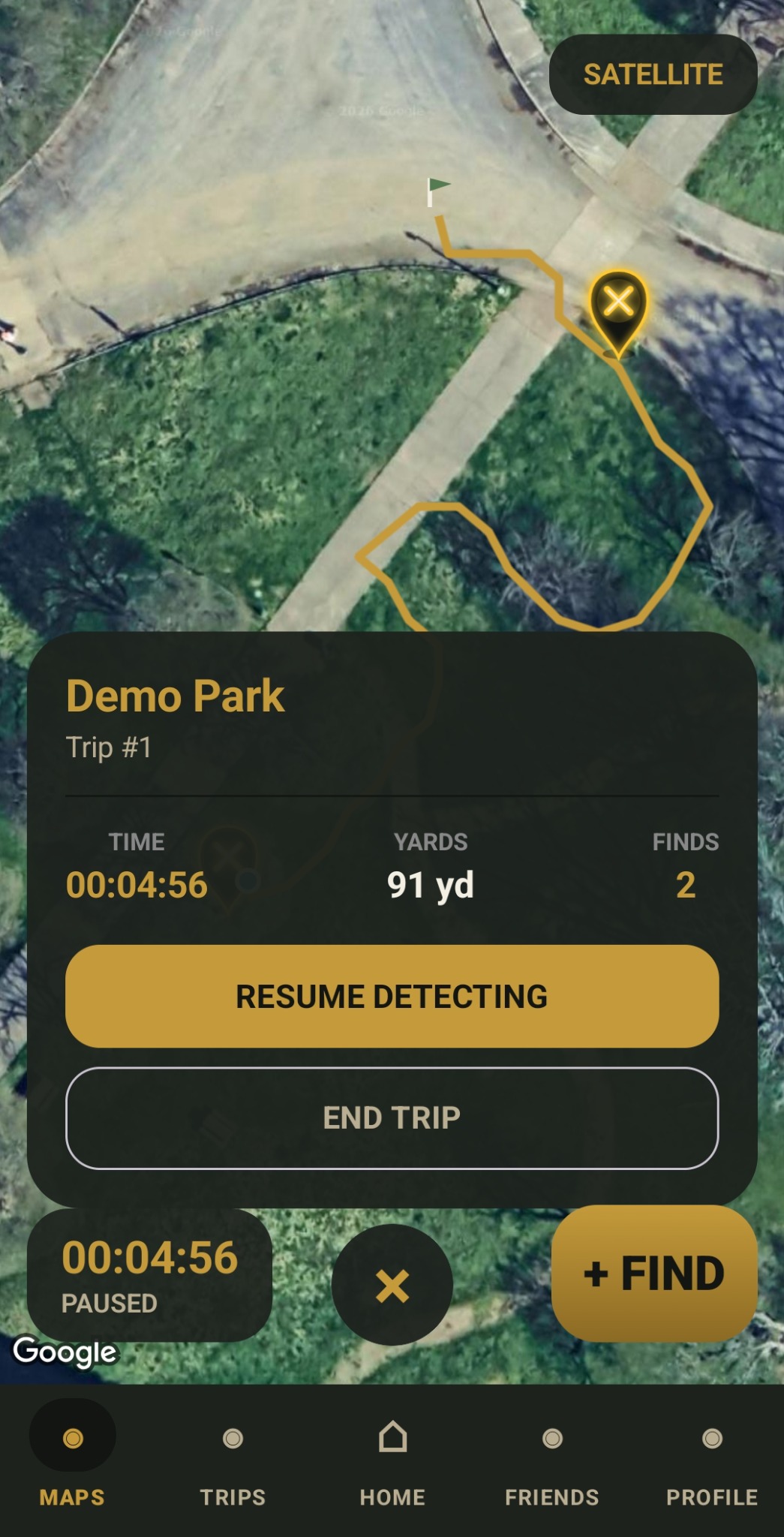
Pause an active hunt to review elapsed time, distance in yards, and number of finds before resuming or ending the trip.
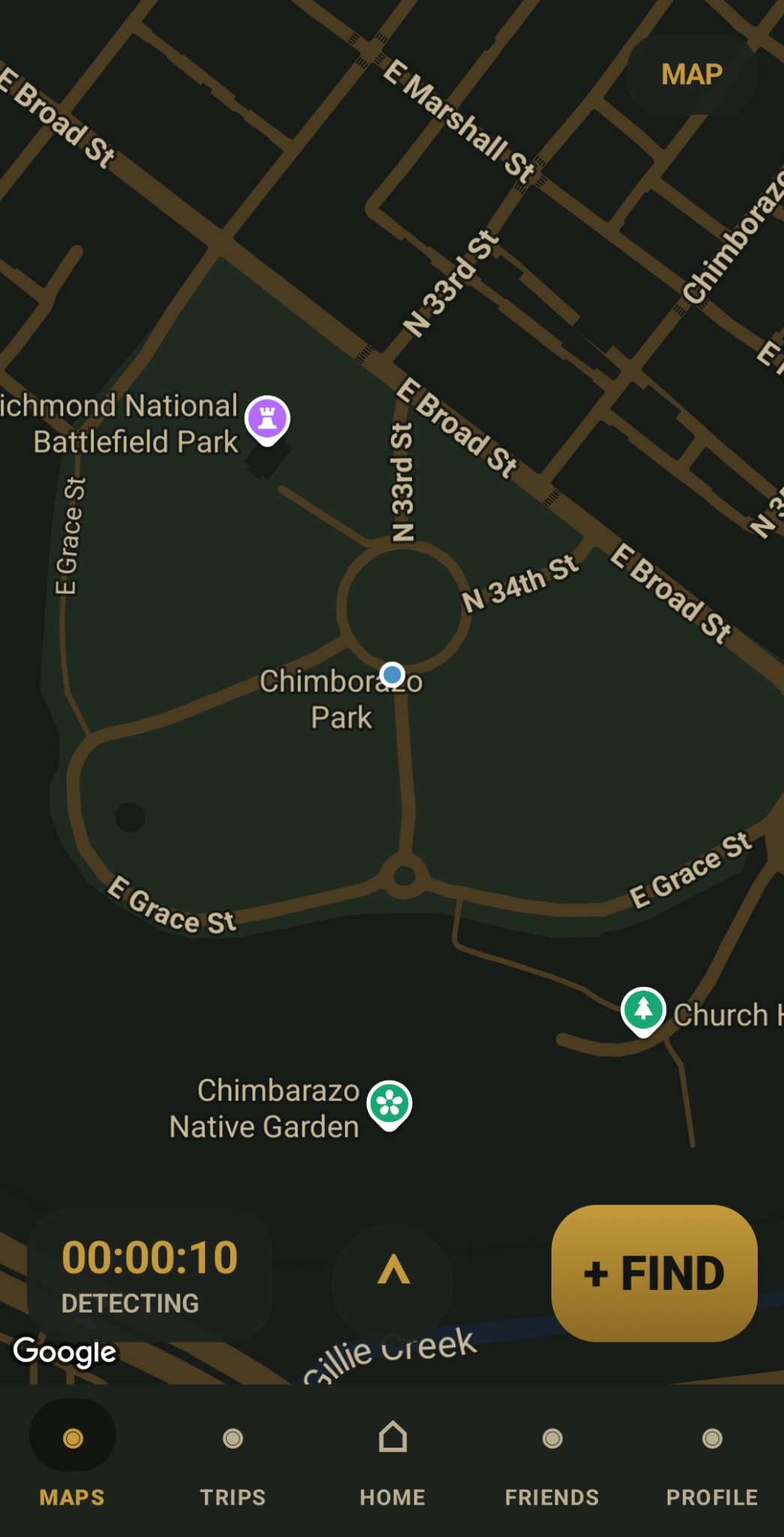
Keep the most important live hunt controls on screen: detecting timer, route direction control, map toggle, and a large Add Find button for quick field logging.
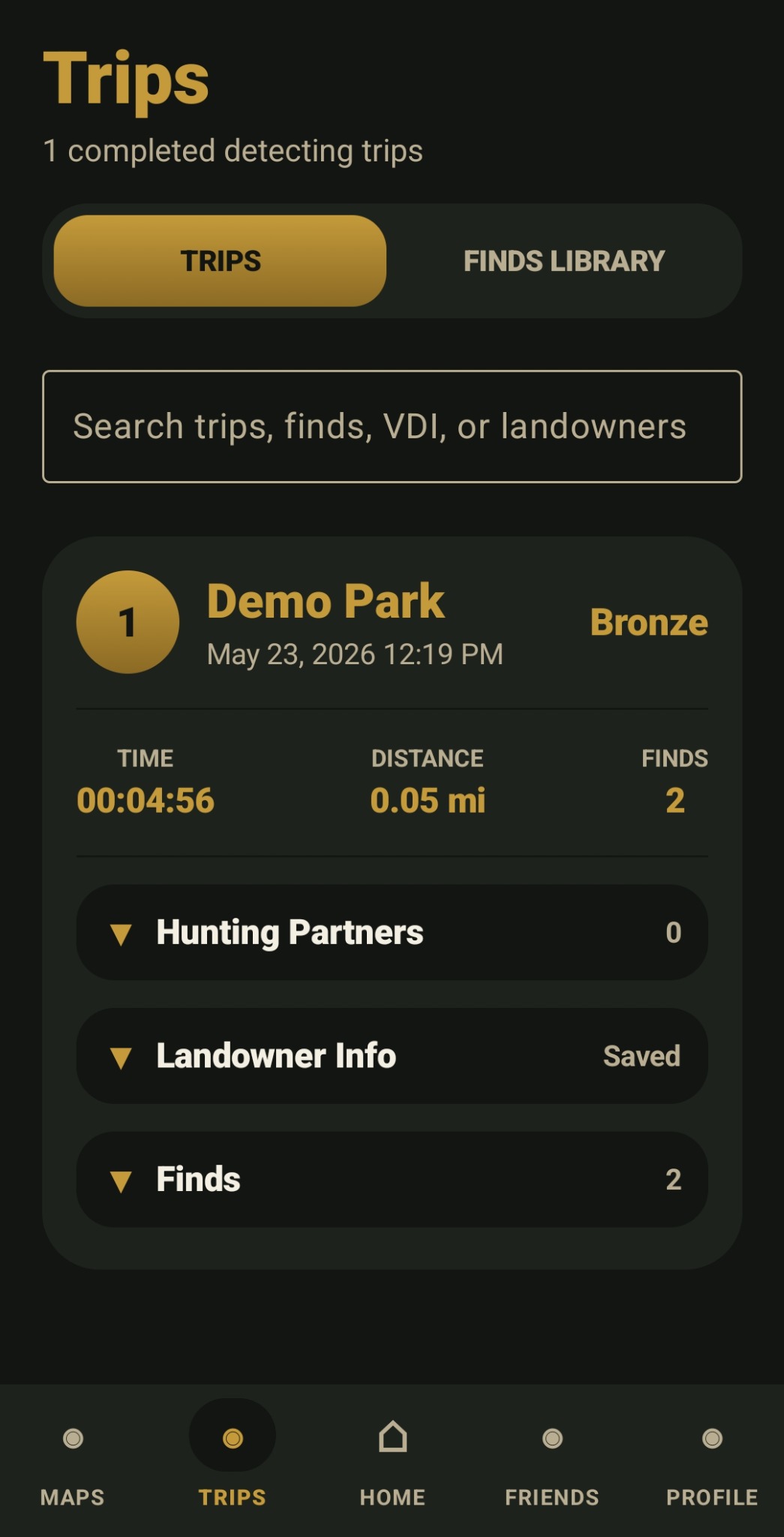
Review completed detecting trips with saved trip cards, trip time, distance, find count, landowner information, hunting partners, and the finds library.
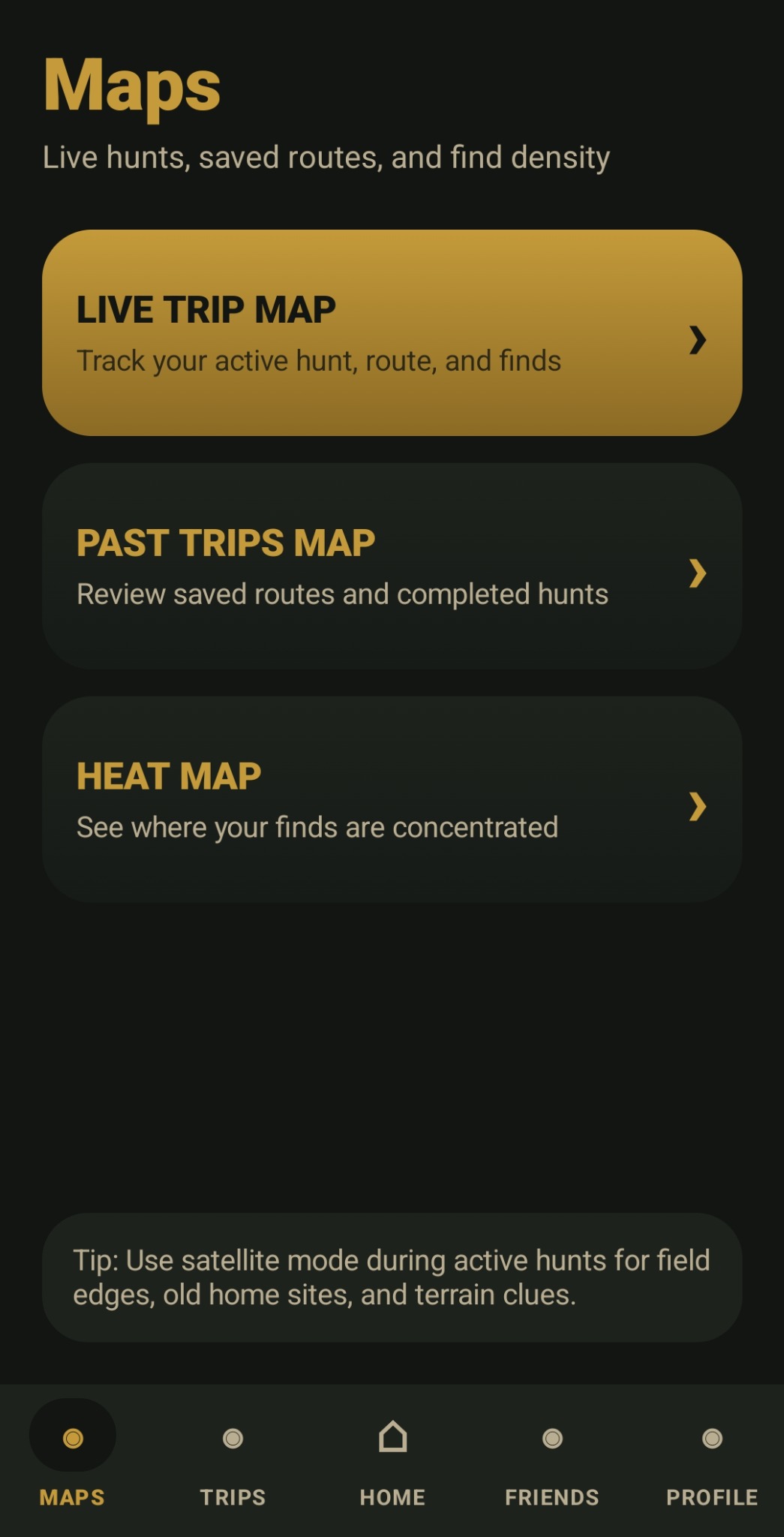
Access the main map tools from one clean screen: Live Trip Map for active hunts, Past Trips Map for saved routes, and Heat Map tools for find-density review.
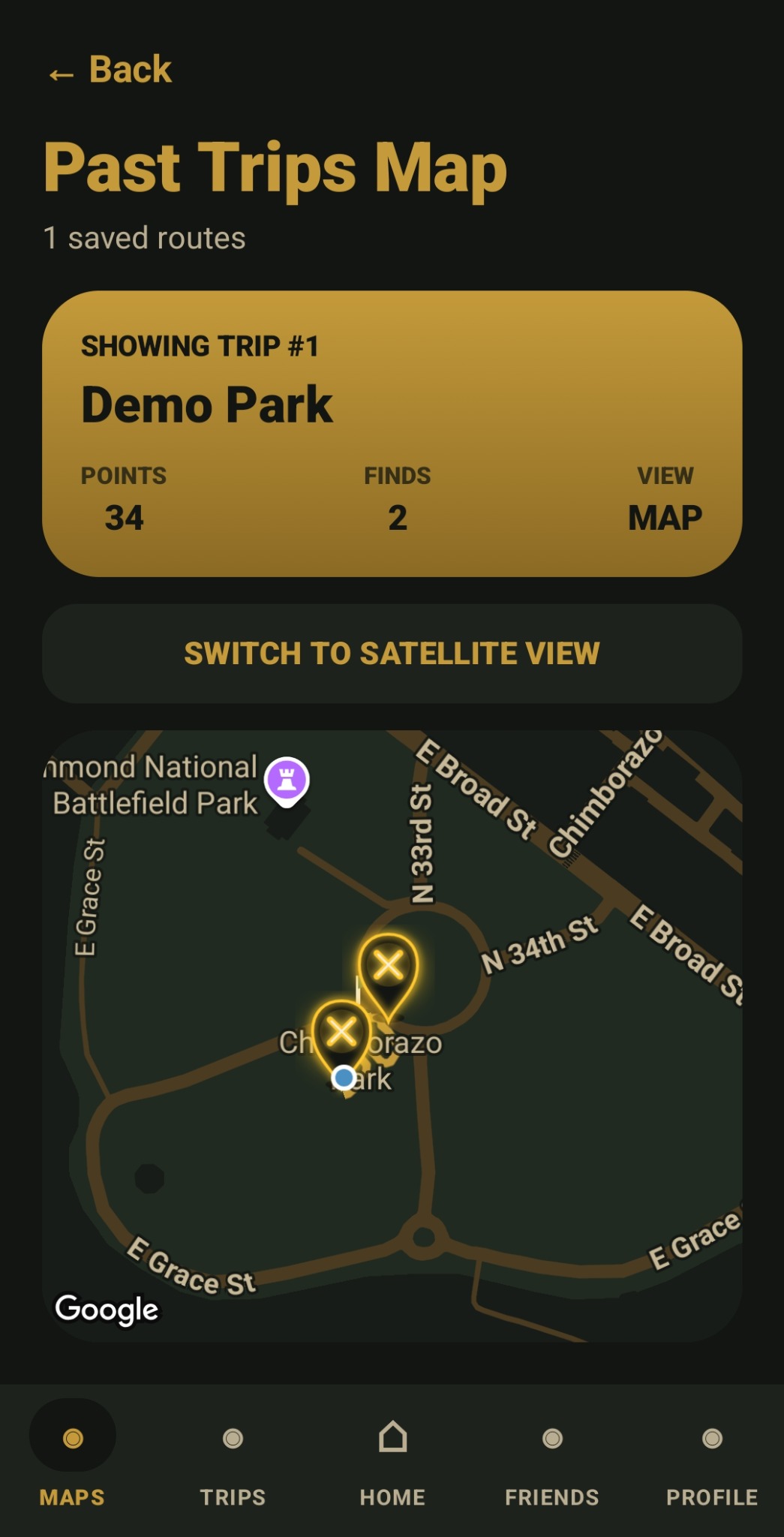
Revisit saved routes after a hunt. The Past Trips Map shows the selected trip route, saved route points, and find markers for trip review and future planning.
Read how RelicPath handles location data, trip records, find logs, photo references, profile information, account data, and optional cloud backup.
Request deletion of your RelicPath account and associated cloud backup data. Local data stored only on your device must be deleted from the app or by clearing app storage on that device.
Contact RelicPath support for help with accounts, cloud backup, subscriptions, privacy, email verification, or technical issues.